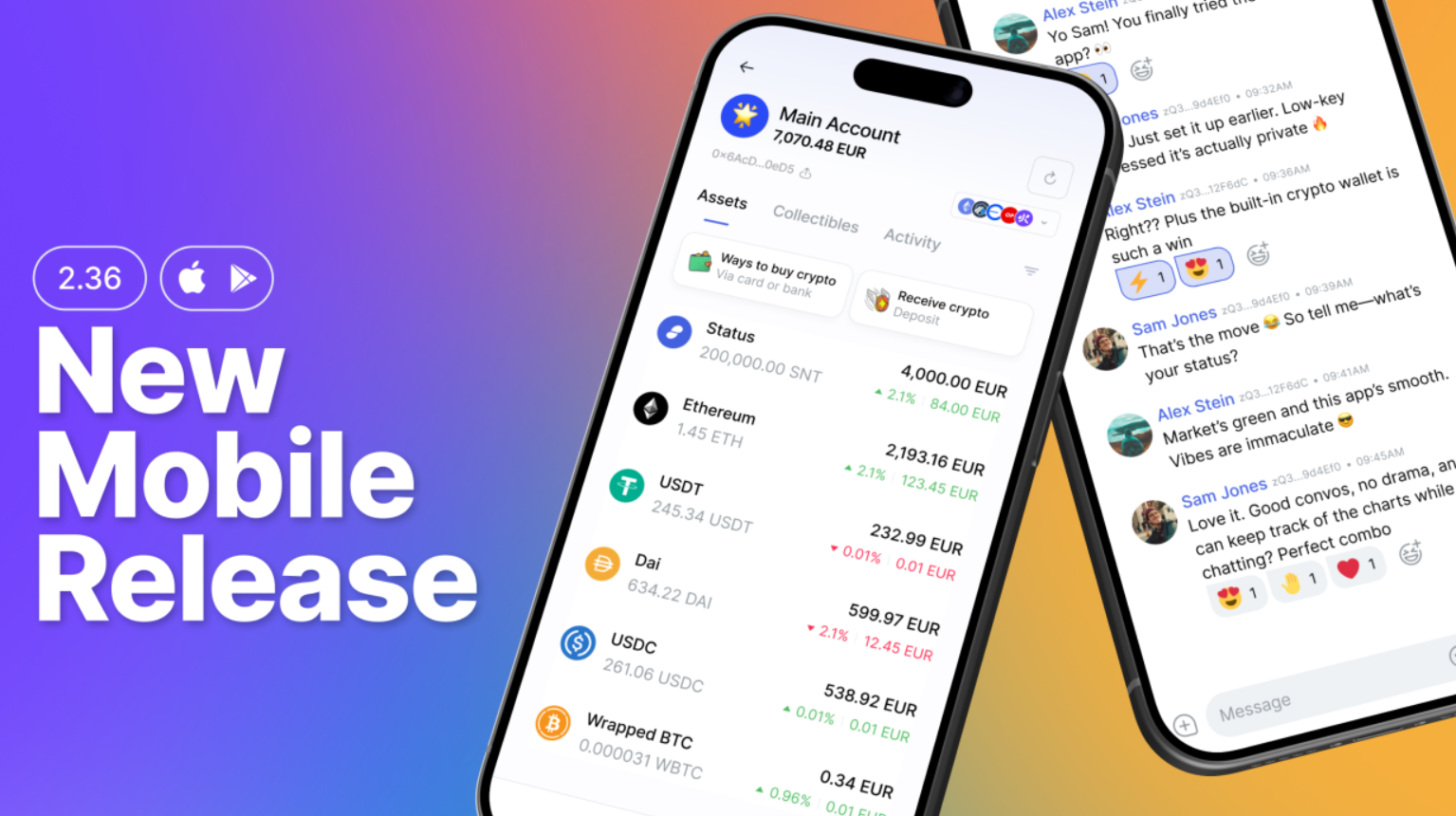
Privacy isn’t just about encrypted but isolated apps. It’s about an integrated environment for digital interactions that protects user sovereignty and enables digital freedom.
When you chat or transact with friends and business partners, hopping between different apps can break privacy even if each tool claims to be “fully private.”
v2.36 marks a new milestone for Status Mobile.
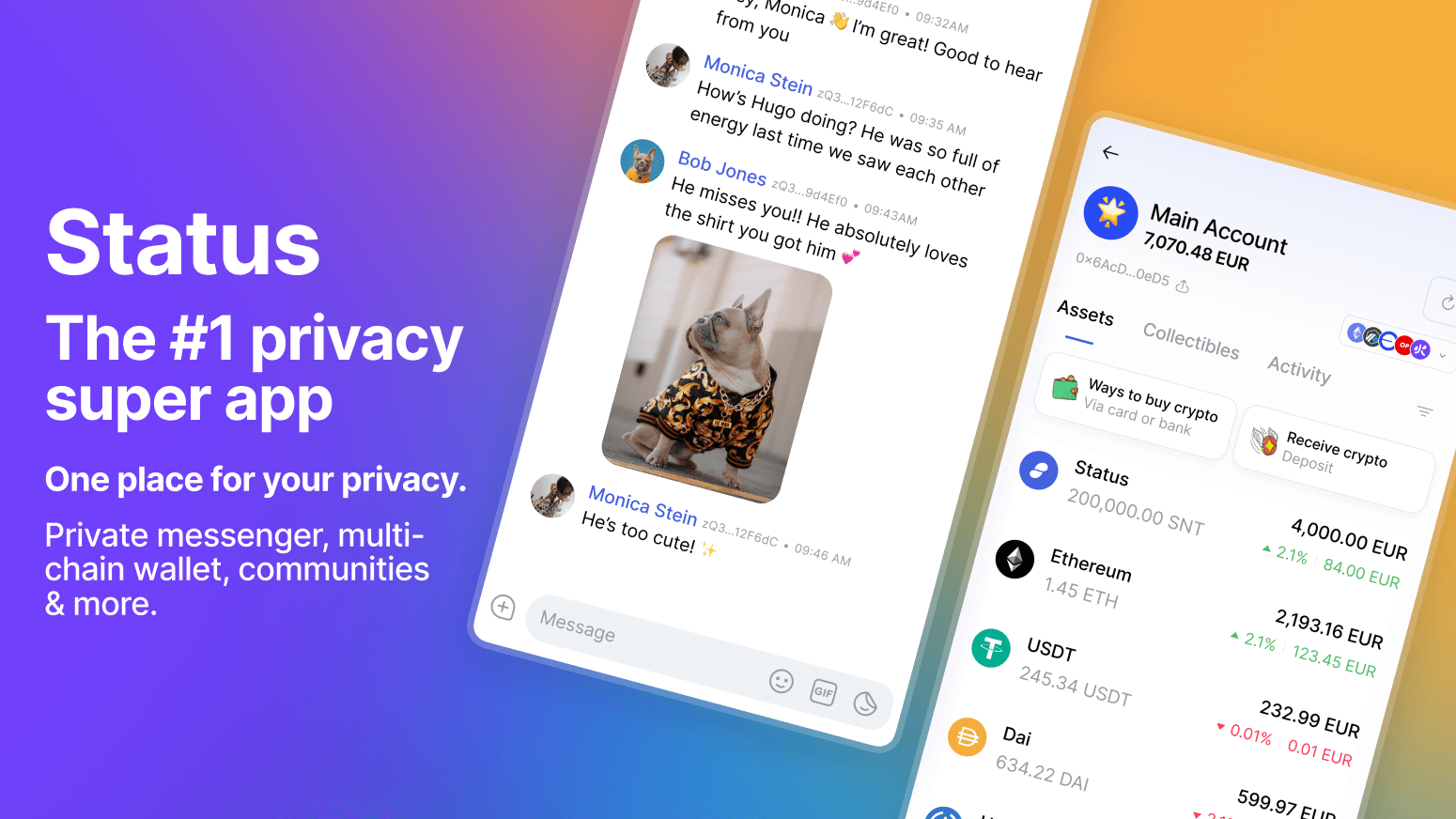
For the first time, the new Status mobile app is being released on iOS alongside Android, bringing a more unified and consistent experience across devices. No matter which platform you use, Status now evolves in sync with the same features, improvements, and privacy-first design.
More cohesive. More intuitive. And now, more expressive without giving up control or safety when switching devices.
This release is all about making everyday conversations, coordination, and crypto feel smoother on mobile without compromising privacy.
All the Latest Updates Live in the New Status App
All of these new features and improvements are part of the new unified Status Mobile app, which is now the foundation for future updates and enhancements.
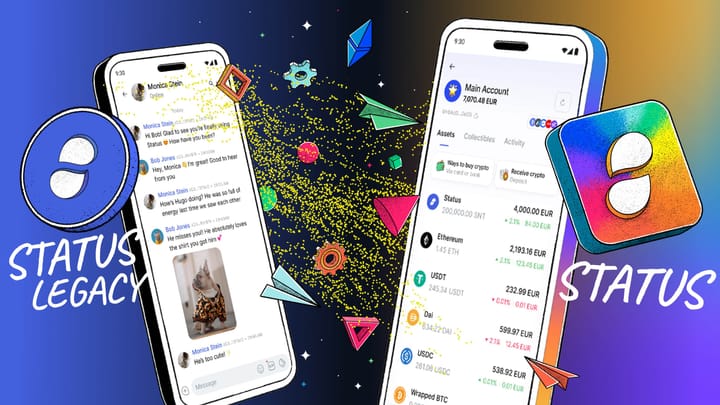
If you’re currently using the Legacy Status mobile app, now is a good time to move to the new unified Status mobile app. The new app is where all ongoing improvements, features, and performance updates are happening going forward.
To make the transition smooth, we’ve prepared a step-by-step migration guide that walks you through moving your Status profiles and data safely.
What’s New in Status Mobile v2.36
- Emoji Reactions Are Finally Here 😌
The #1 most-requested feature on our feature board has landed. Emoji reactions are now available in Status Mobile, and they look really good.
You can react to any message using the full emoji collection. From a subtle “👌” to full “🤪🤣🎉” chaos -it’s all there.
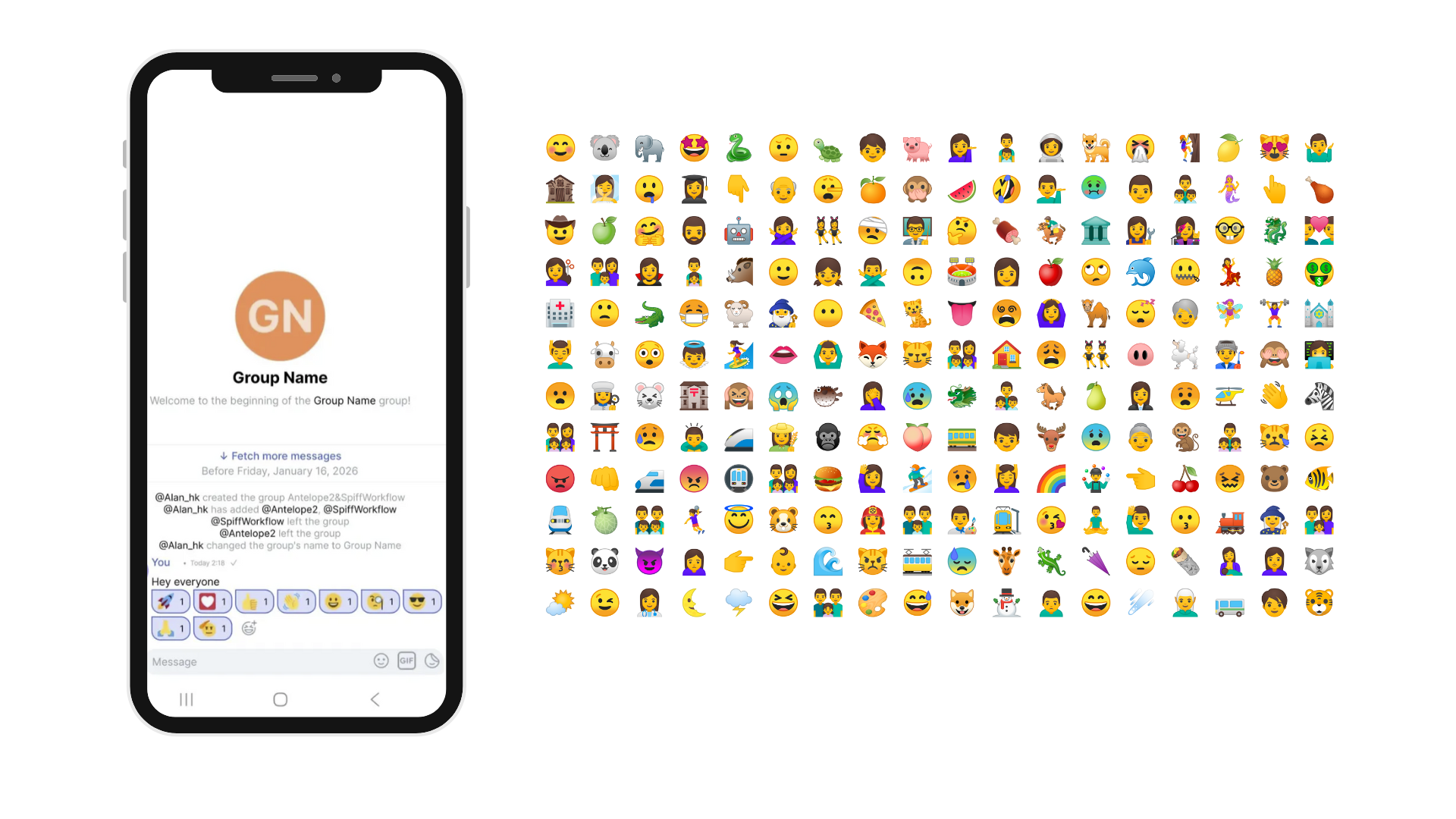
A few things to know:
- Up to 20 emoji reactions per message (for now 🤭)
- Your 5 most recently used emojis stay pinned at the top
- Just long-press a message and your favourites pop up instantly
Reactions feel fluid, responsive, and genuinely fun changing how conversations flow inside Status without getting in the way.
- Status Is Now Available in Spanish 🇪🇸
As Status grows globally, accessibility matters more than ever.
Status is now available in Spanish, with a neutral, LatAm-leaning translation that feels natural whether you’re in Mexico, Argentina, Spain, or anywhere across the Spanish-speaking world.
More languages are on the way.
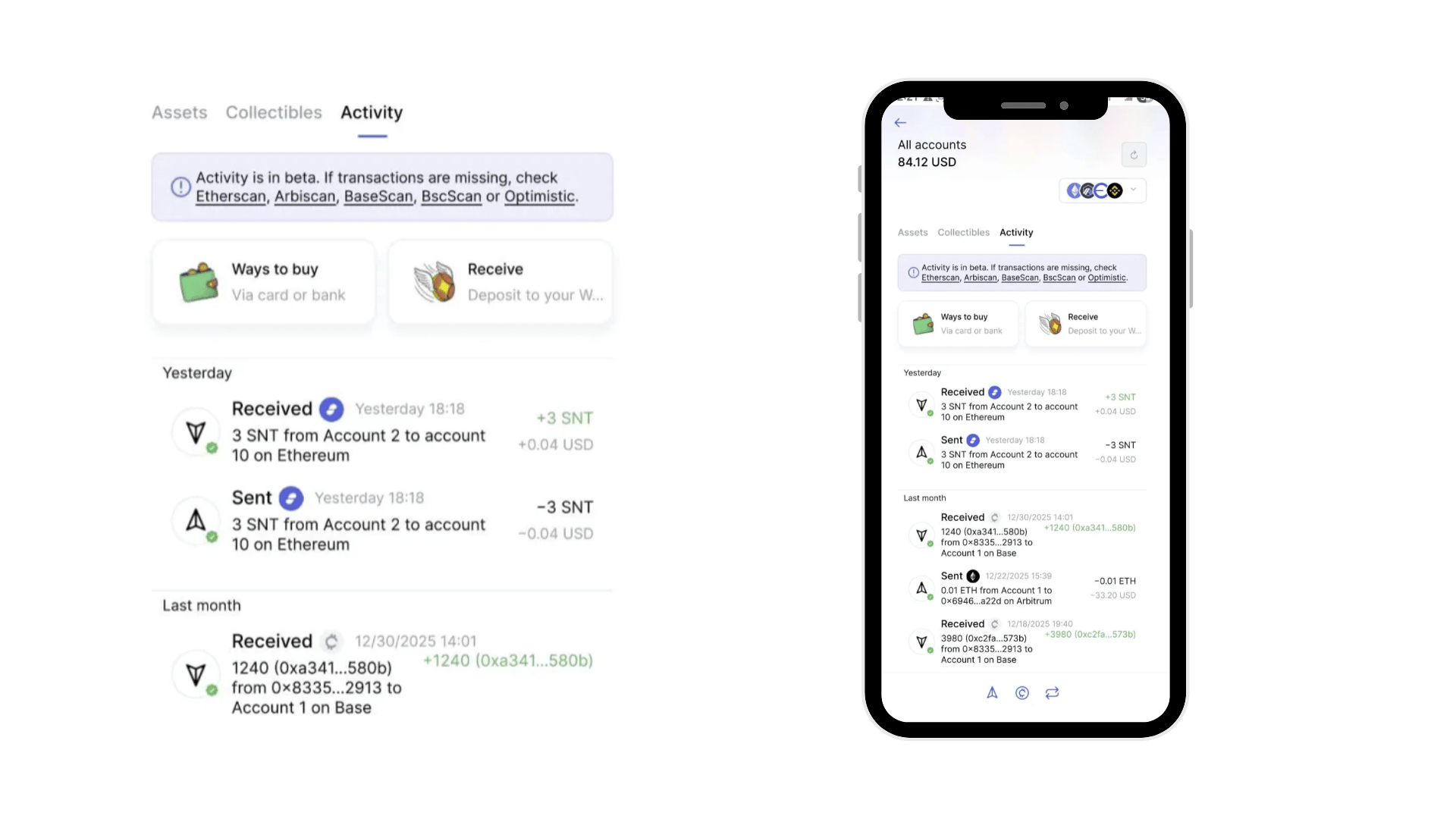
- Full Transaction History, All in One Place
Managing multiple Ethereum accounts on mobile can get messy — especially when transaction history is scattered.
Status Mobile v2.36 cleans that up. You can now view the complete history of incoming and outgoing transactions, including accounts you’ve added or imported.
Even better: All Accounts view lets you see activity across all your wallets in one place. A small improvement - but one that makes everyday wallet usage noticeably easier.
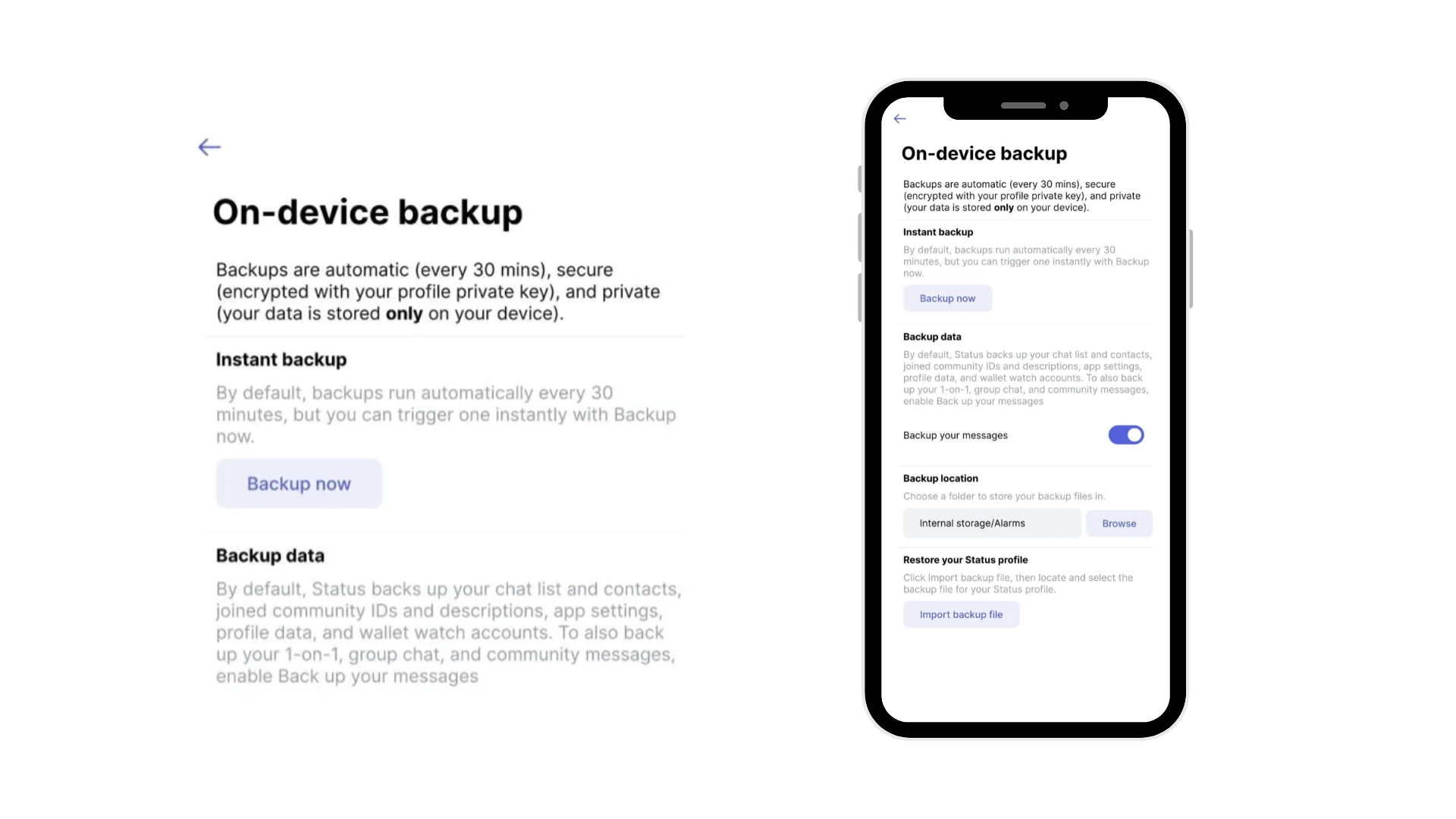
- Redesigned On-Device Backup with Opt-in Message Backup
The redesigned on-device backup includes:
- A cleaner, more intuitive interface
- Automatic backups every 30 minutes
- Backups encrypted and stored only on your device
You can optionally back up:
- Direct messages
- Group chats
- Community messages
Backing up messages is fully optional. You decide what gets backed up.
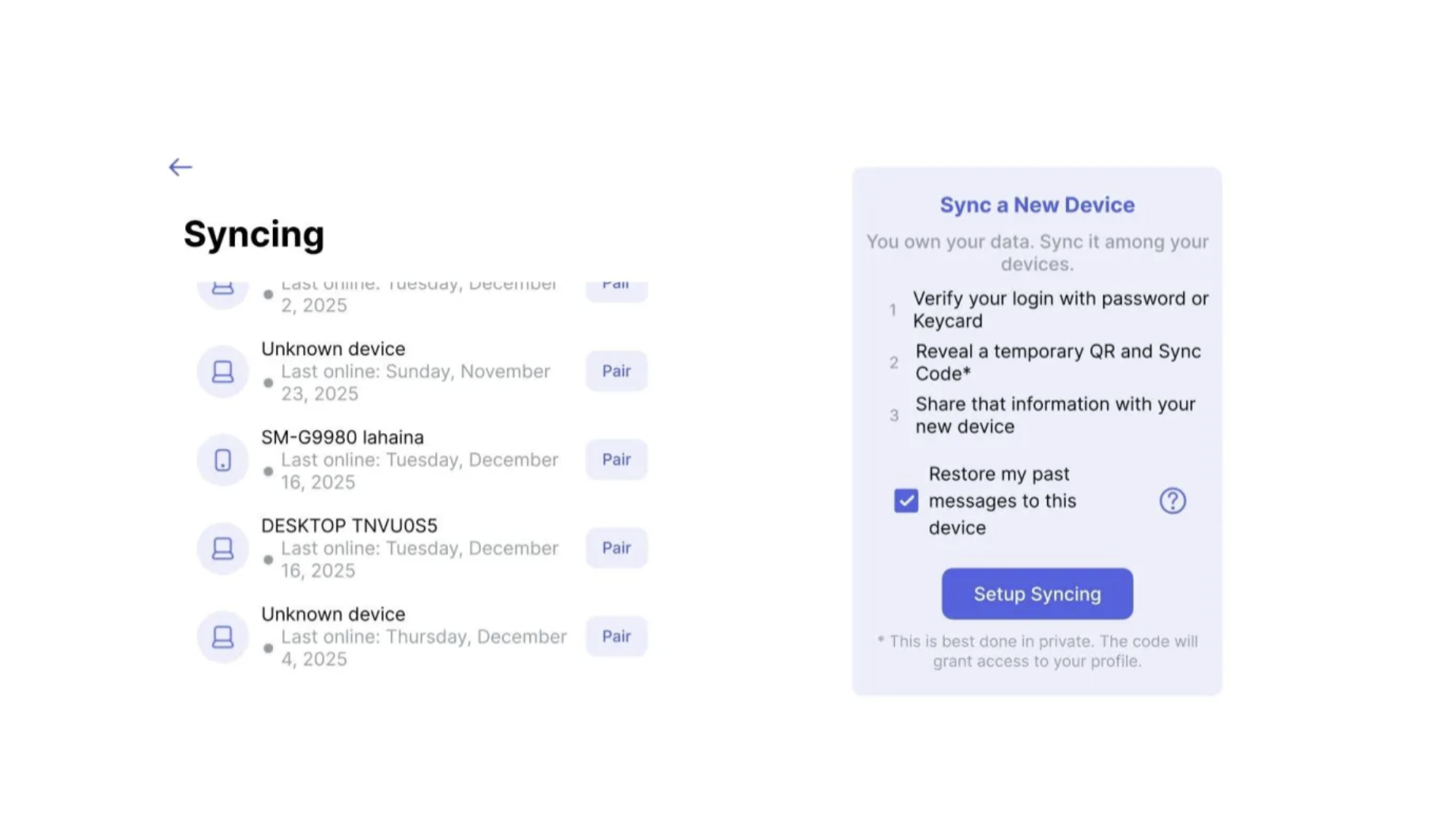
- Message Syncing (Opt-In)
Switching devices shouldn’t mean losing your conversations. Setting up Status on a new device now feels easier.
If you choose to enable message syncing, you can restore your past messages on your new device using local, encrypted syncing. Nothing is synced unless you opt in to ensure you are in full control of your messages.
- A Cleaner, More Comfortable Status
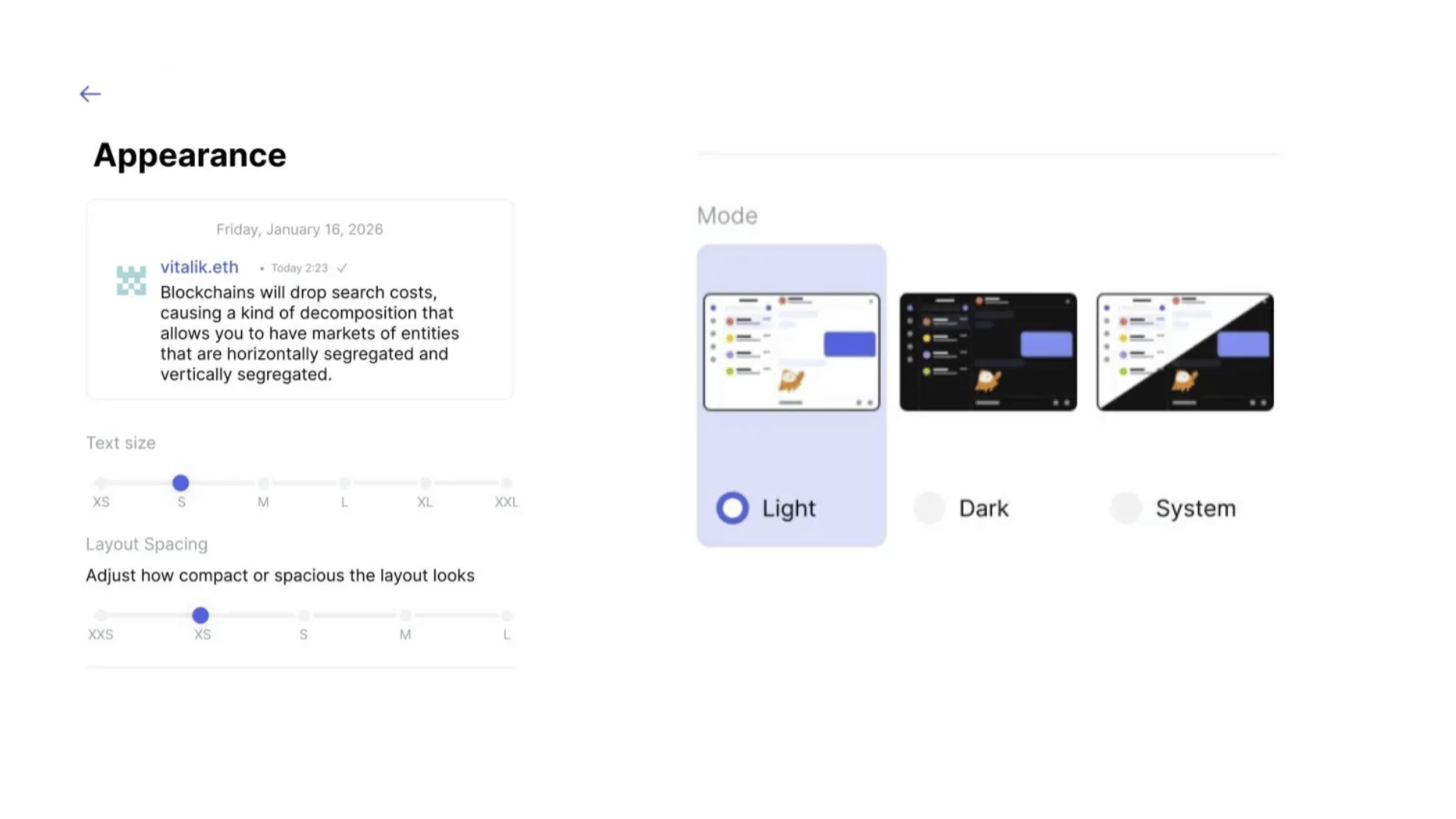
Alongside new features, v2.36 includes UI improvements you’ll notice right away:
- A Notification centre in the main navigation bar
- Improved UI scaling across different screen sizes
- A new Layout spacing option for compact or more spacious views
Everything is designed to make Status feel more natural on mobile - day after day.
And honestly? It just feels fresh.
The app runs smoother, looks cleaner, and responds better. Open it, tap around, switch layouts, check the notification centre - you’ll feel the difference immediately.
This Is Your Status, Evolving With You
Status Mobile v2.36 brings more personality, better continuity, and a more comfortable mobile experience - without losing what makes Status private by design.
Ready to explore what’s new?
Known limitations of v2.36:
UI/UX adaptation. The team is gradually evolving the Status mobile app toward a more mobile-native look and feel. While the main user flows are functional, some may still be blocked or imperfect. Please report any issues on GitHub (after checking for duplicates). It is an ongoing work over several releases.
- If the text size appears too small on your device, go to Settings → Appearance → Text Size to adjust it.
- If you are looking for more spacious or compact app interface, go to Settings → Appearance → Layout Spacing to adjust it.
Keycard Support: is under development and planned in v2.37.
Push Notifications: is under development and planned in v2.37.
Connect to dApps: is under development and planned in v2.37.
Note
Status is still in active development, so you may encounter bugs.
Your feedback helps us build the best app for secure crypto, private messaging, and community-owned spaces. Read this guide for more information on reporting bugs in Status. Alternatively, you can share your feedback directly in the Mobile feedback channels within the Status Community.
Don’t miss the latest news from Status – follow us on X or join our Community in the Status app to get the latest news and updates!
Your use of the Status apps is subject to the Status Terms of Use and Privacy Policy.